
We have regrettably come to the end of an epic journey into video technology… Well at least I certainly thought so. During this time we have covered a number of topics exploring the various components related to video streaming as well as some useful information on video display technology. It is the skills and knowledge learnt in this module that has built up to the final challenge, The Tri-Wizard Cup!! Oh… No wait, wrong blog!
This final blog will cover all the elements previously investigated and put them into a practical assessment as part of a dedicated group to complete a live stream of a real live event. That’s right, No rehearsal and certainly no stopping to tape that cable down. It was completely live and streamed to the private educational YouTube account where a number of staff were eagerly watching just two floors away! I will aim to talk you through the ideal parameters when setting up a live stream, including lighting, filming techniques and ideal settings as well as actually explaining what we did and why we did it.
I will then give my own critical appraisal of the whole event and analyse the aspects which didn’t work or were completely overlooked. It is a big one but hang in there!
What are the stages of streaming an event? What is the best practice, the avoidable situation for each stage of the setup process. Well, firstly the room after all unless it is Sir David Attenborough, it is most likely to be indoors and ideally we want a well lit room with some natural and artificial lighting with our subject against a solid light natural coloured background. This helps us with our first term… Complex movement and encoders hate it. This term refers to area of a video with high movement that could exceed our bitrate limit and become taxing for our encoder and the end users device. Keeping a plain background and avoiding the outside world helps reduce this problem.
It just like keeping vision mixing transitions to a fast cut and not a slow complex detailed fade also reduces this high demanding data rate. We must also ensure any presenters or interviewees are dressed in plain, none stripy clothing again a bright but natural colour never goes a miss.
Multiple camera angle is a must, I mean can you imagine the Matrix from just a central camera angle? A back up camera with a wide shot is recommend as a quick go to if another camera goes down. It is ideal if this camera bi-passes the main mixer and goes straight to the streaming software.
The encoding must be at the highest quality and therefore the bitrate must be set to half of that of the wired internet connection bandwidth speed for the best results. CBR, Constant Bitrate but as part of the encoding to ensure good playback and viewing quality. H.264 is the most commonly used codec for HD digital video and a high profile is recommend to ensure the best quality up on upload, it’ll only get downgraded by a media server.
Audio should be captured using a microphone and mixing desk to ensure good balance of sound but then would be sent digital using a protocol like Dante to the streaming PC. A clap test would be complete to ensure good audio sync and delay applied where needed.

Down to the nitty gritty then of our live stream. The Open Boardcast Software application (OBS) was used to capture the incoming signal from Roland vision mixer using SDI 6G cabling to the Mac Pro onboard capture card. A wired internet connection was used with a back up cable ran ready with an additional 10GB of data hot spotting available on my iPhone, however no enquires with the phone company was made to ensure no capping for the day. The speed test on the day at the University basically broke the needle it shot up so fast! – Yes it was fast with no concerns over bandwidth after all I was confident I could probably stream most of ITV!
Two camera were setup to give different angle with one being a static wide shot of the board and to be used as a backup. The second and primary camera would be operated and give close up action shots while also covering the speeches from various team members and Dave Wilson. A recording was taken using SD cards directly from both cameras which would be edited by Kelvin at a later date. Both camera were linked to the vision mixer using high quality SDI 6G cabling. Due to the vision mixer not being compatible with 1080p all the cameras were set to 720p (Progressive) at 30fps.
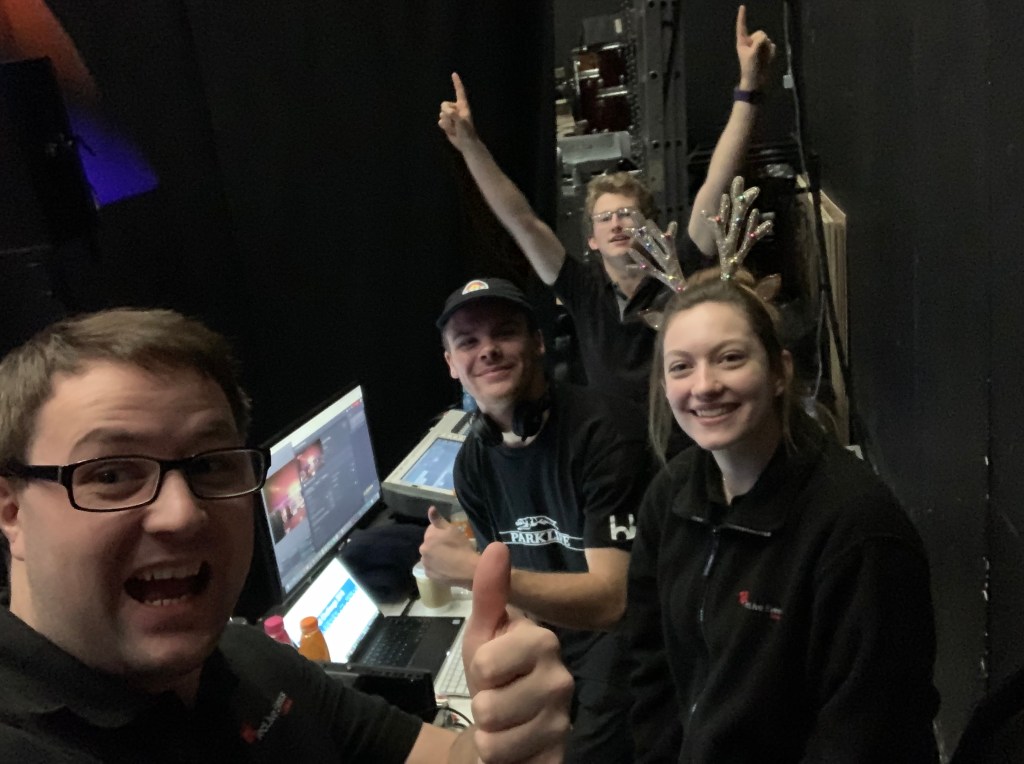
We had a number of computers and at one point a sales assistant from PC World turned up enquiring whether we were buying or not. On a serious note some effort could have been made to condense these down so video files for the title scene and video footage in was coming through just Resolume before sending out to boardcast, it would have meant at least one laptop could have disappeared. It must be noted that this didn’t affect playback or the actual stream, just my OCD!
The video stream was encoded using H.264 using a high profile to ensure the best quality was sent to YouTube studio. It must be noted that YouTube uses adaptive streaming and will downgrade our original quality to ensure good playback on other devices which is why we need to ensure the best quality upload. The bitrate would have been set to CBR to ensure constant viewing for all users.
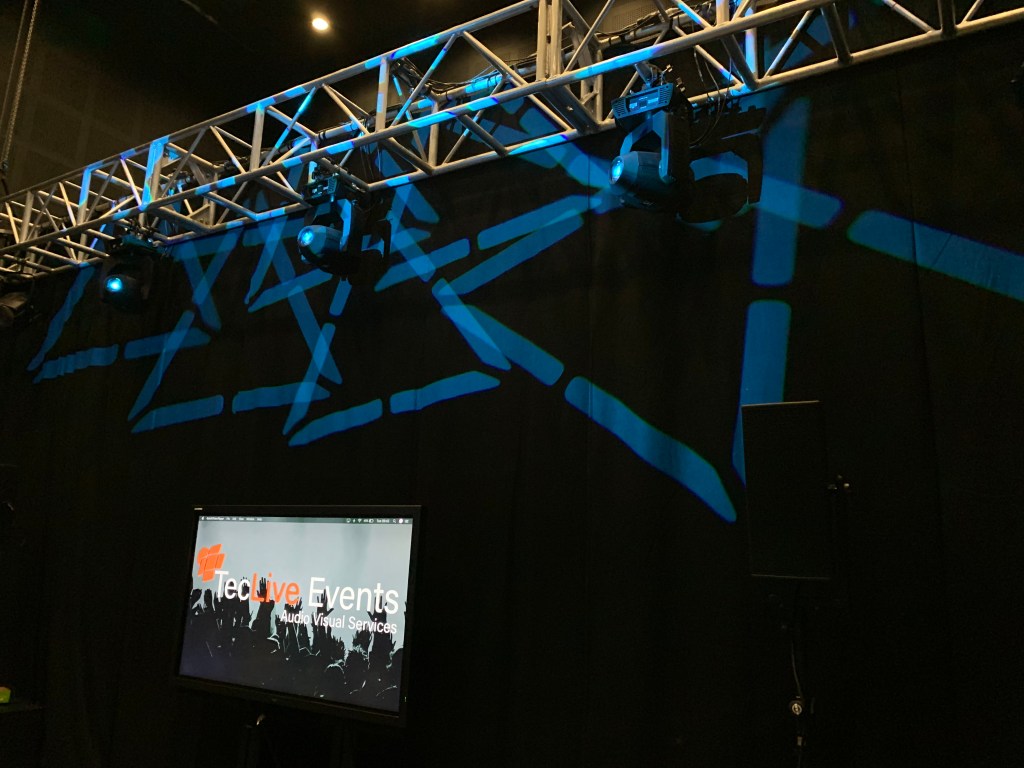
Lighting was programmed with the Derbot’s in mind and to ensure their perfect operation while on the board which was a serious specification for the event. This meant a darker room than what would have been preferred was used. Camera gain was used to boast contrast which resulted in a slightly degraded video image. We had a separate output to a large TV screen which allowed the audience to basically view the footage and video title as well as the scores. It worked really well but my only comment was this maybe should have had it own feed instead of sharing the stream feed, it meant the scoreboard was up when maybe we wanted the titles or Dave Wilson chatting away about blue LED’s. The Picture-In-Picture option on the Roland vision mixer saved the day with this little hiccup but again it is a small oversight and didn’t impact too much on the stream in my personal opinion. It was noted that at some point during the stream ‘Fade’ transition were used throughout which isn’t always ideal when encoding a life stream as previously mentioned, however scene with high motion for example following the Derbots around the circuit were ‘Cut’ transitions
We have explored some excellent points as well as a number small oversights but it is time to address the elephant in the room. We had no audio, not even a whisper and to be honest a bit of white noise or feedback would have been far greater than complete silence. It is an oversight but the impact was costly and if this had been an Apple seminar well Steve Jobs would have arisen from the grave to hunt us all down. How was this overlooked? Planning, the saying ‘Fail to prepare, prepare to fail’ comes to mind with this one but okay we forgot the sound, excellent 1 minute in when someone starts talking we get it plugged in… Oh wait? No and why? Because nobody was actually monitoring the streams unload for problems and that could have been due to everyone having a job to do, whether vision mixing, live audio for the event, lighting, camera operation, whatever nobody had been assigned senior upload checker. Ben Sams quickly made us aware by which time we were in the full swing of the event. It is a disappointing situation as personally I felt the video side was excellent quality with no drop outs, great graphical titles and well filmed video footage.
A lesson well learned when it comes to live streaming and one which I imagine we will never make again. I think it shows the important of degree course like Video Streaming & Display Technology that make us realise the complex management and technical aspects that go into the content we watch so easily on our consistently present smartphones.
This is James Riddell… Signing off.
 Video Streaming & Display Technology Blog